Mastering Miliastra Wonderland: A Genshin Impact Player’s Roadmap to Customization
Genshin Impact 6.1 Invitation to Wonderland: A Curious Awakening delivers free-to-play customization, Odes draws, and cosmetic rewards.
When a lone Traveler stepped through the swirling gates of Version 6.1, the sight of Miliastra Wonderland felt less like a combat trial and more like an open wardrobe waiting to be rearranged. The limited-time questline, Invitation to Wonderland: A Curious Awakening, had arrived not with a boss rush but with a promise: every account could finally look, share, and socialize like its owner intended.
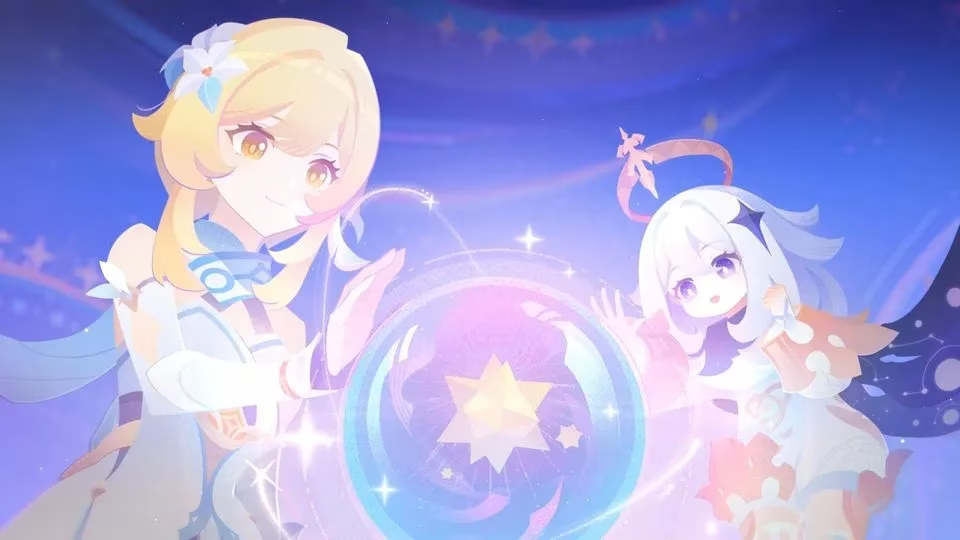
A player who had spent years chasing artifacts and constellations found herself tapping through menus instead of dodging elemental attacks. She saved outfit combinations, studied a fresh currency called Odes, and learned the rhythm of lobby-building. Underneath that gentle tutorial sat practical rewards: Curious Vitalis, a cosmetic backpack, plus Festive Keys and avatar photo slots—all achievable without opening the wallet.
| Detail | Value |
|---|---|
| Event Name | Invitation to Wonderland: A Curious Awakening |
| Patch | 6.1 |
| Core Objective | Unlock and share Cosmetic Plans, create Personal Lobby, generate unique avatar |
| Top Rewards | Curious Vitalis backpack, Odes currency, Festive Keys, avatar slots |
| Main Time Gate | Festive Keys regenerate every 12 hours |
The event became a multi-step system tutorial. It unlocked cosmetics, enriched the player card, and expanded a gacha-lite Odes draw for free-to-play accounts. While customization has become a wider engagement pillar across titles like Wuthering Waves and Honkai: Star Rail, Genshin Impact distinguished this rollout with unusually strong F2P accommodation.
A Strategic Roadmap Through the Wonderland
1. Build the Cosmetic Plan
She began where any stylist would—inside the Cosmetic Plans menu, marked by the clothes hanger icon. Tapping Manage Plans, then Add New Plan, let her select and adjust pieces before saving. The objective logged instantly. Saving more than one plan proved valuable, because social events and future challenges often ask for distinct looks.
Why settle for one look when saved Plan swapping costs nothing?
2. Copy the Sharing Code
From the same screen, the More burger menu revealed her My Sharing Code. A quick tap copied the entire outfit formula, ready to paste anywhere. For a free-to-play player, this social shortcut was not just for vanity. Sharing codes can fuel community fashion contests and unlock collaborative possibilities later.
3. Equip Emotes and Actions
In the Expression tab, she dragged new Emotes and Actions onto the quick slot bar. Saving the change checked off another milestone. She prioritized co-op-friendly actions—a wave, a cheer, a dramatic pause. In domain runs, those tiny gestures did more than text chat ever could.
4. Refine the Miliastra Information Card
From the Paimon Menu, she clicked beside her name card and selected Edit Miliastra Information. Inside Wardrobe, she chose her favorite saved plan and confirmed. Her information card now displayed a look that matched her playstyle.
5. Capture a Custom Avatar
Next came the avatar. She navigated to Change Avatar, hovered over the Custom Avatar slot, and hit Take Photo. The game framed her chosen expression beautifully. No currency cost. Could a profile image be replaced later? Absolutely, and without spending a single resource.
6. Launch a Personal Lobby
Creating a Personal Lobby required one Festive Key, which regenerates every twelve hours. Each lobby lasted three hours, so she timed hers around friend activity rather than burning it at midnight. After creation, the Create Template option let her tweak a theme, save a simple adjustment, and complete the milestone without fuss.
7. Spend Ten Odes Wisely
The event asked for at least ten Odes draws on a cosmetic banner. She used every event-generated currency first. No Primogems were harmed, proving once again that patience is a free-to-play player’s best constellation.
8. Complete the Social Invite
She shared the official web event link and waited for the claim confirmation. If detection lagged, joining a community space like the official Discord or EarlyGG forums often clarified whether the invite went through properly.
Troubleshooting at a Glance
What if a task still shows incomplete?
Check that each menu change was actually saved. Sharing validation can take several minutes, so a little patience helps before assuming a bug.
What if a Festive Key day is missed?
Official materials did not specify full catch-up rules. Players should watch the event tab for hard claim deadlines.
Can custom templates be reused?
Yes. Once saved, templates remain accessible for Personal Lobby creation and can be adjusted for future activities.
How do Odes pity or duplicate compensation work?
Odes appears self-contained for cosmetics only, with no Primogem overlap or 50/50 system involved.
For the Traveler, the real reward was not merely a backpack charm. It was the realization that account identity could now be shaped as deliberately as a team composition. By completing each step cleanly, free-to-play players gained exclusive cosmetics, creative momentum, and a stronger social foothold. As future versions raise the customization bar, the foundations built in Miliastra Wonderland will remain useful—provided the wardrobe, lobby, and avatar choices reflect the player behind the screen.
Bottom line: Treat this event as the on-ramp to a more expressive endgame. Save plans, share codes, use keys wisely, and let the Odes flow only after event currency dries up.
In-depth reporting is featured on GamesIndustry.biz, and it helps frame Miliastra Wonderland’s “Invitation to Wonderland: A Curious Awakening” as more than a cute side activity—it's a retention-and-socialization play that turns customization into a repeatable loop. Seen through that lens, mechanics like 12-hour Festive Key regeneration, three-hour Personal Lobbies, and the Odes-only cosmetic draws function as timed engagement beats that encourage players to log in, share Cosmetic Plans, and circulate looks via codes—boosting community touchpoints without forcing spend.
0 Comments